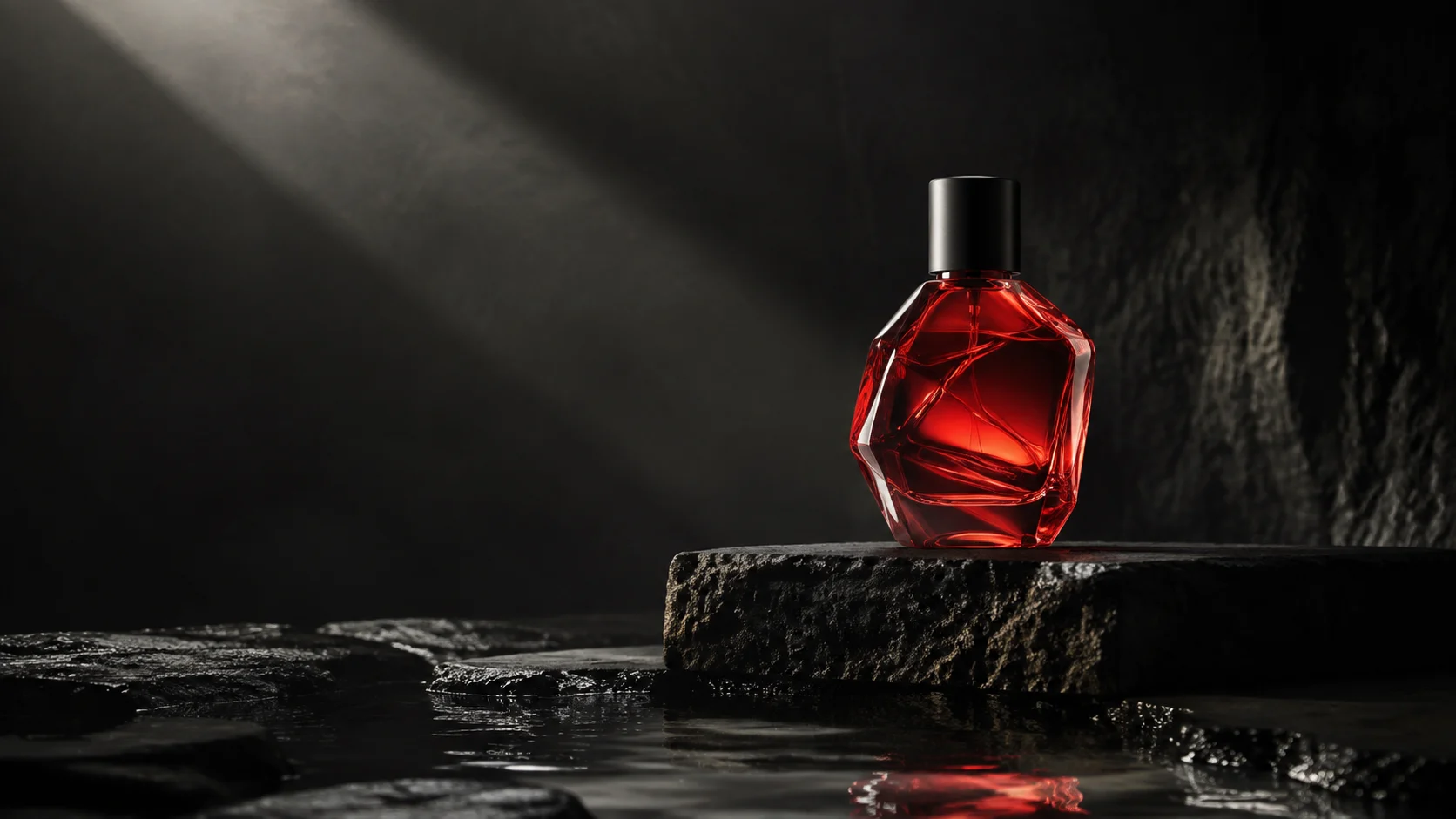
A five-second product shot with MiniMax H3
Start with one product image. Plan the movement, check the shape and prepare the shot for an edit.
Read the guideWorking with Seedance and MiniMax.
References, shots and sound, explained through production.
Start with one product image. Plan the movement, check the shape and prepare the shot for an edit.
Read the guideSeparate creative freedom from model policies, reference authorization and generation failures before planning your production.
An independent-creator walkthrough: organize references, choose a key frame, review takes and plan the sound without losing production context.
Build a character reference, separate costume changes and check three connected shots.
Choose inputs by what you want to preserve: identity, composition or the end of an action.
Turn a short story into timed shots, with room for actions, reactions and cuts.
Use landmarks, blocking and camera positions to connect independently generated shots.
Give a character something to do, a reason to react and enough time for the change.
What Context-IR, Base and Regenerate-2K do, and what to check in a higher-resolution result.
Write one clear exchange, check the timing and connect the sound between shots.
Work out when to wait, retry, fix an input or simplify the shot.
Use a shared brief, a fixed attempt budget and clear acceptance criteria. Keep every result.